STEP 1 : Login to your business’ Facebook page
STEP 2: Click Settings on the left hand side of the screen.
STEP 3: Click New Page Experience, then Page Access.
STEP 4: Scroll down to Pending Partner Requests and click Respond to Request next to your agency’s name


STEP 5: Click the Review Request button.
STEP 6: Click Next and click the Accept button

STEP 7: Enter your Facebook password to verify your identity, then click Submit

If you don’t see our partner request, then this means your page is managed by https://business.facebook.com/settings/requests where you can also approve the request.

STEP 8: Log into https://business.facebook.com. If you don’t have an account, another administrator or an agency you previously worked with has the account required to grant agency access. Click “All Tools”, then “Settings”
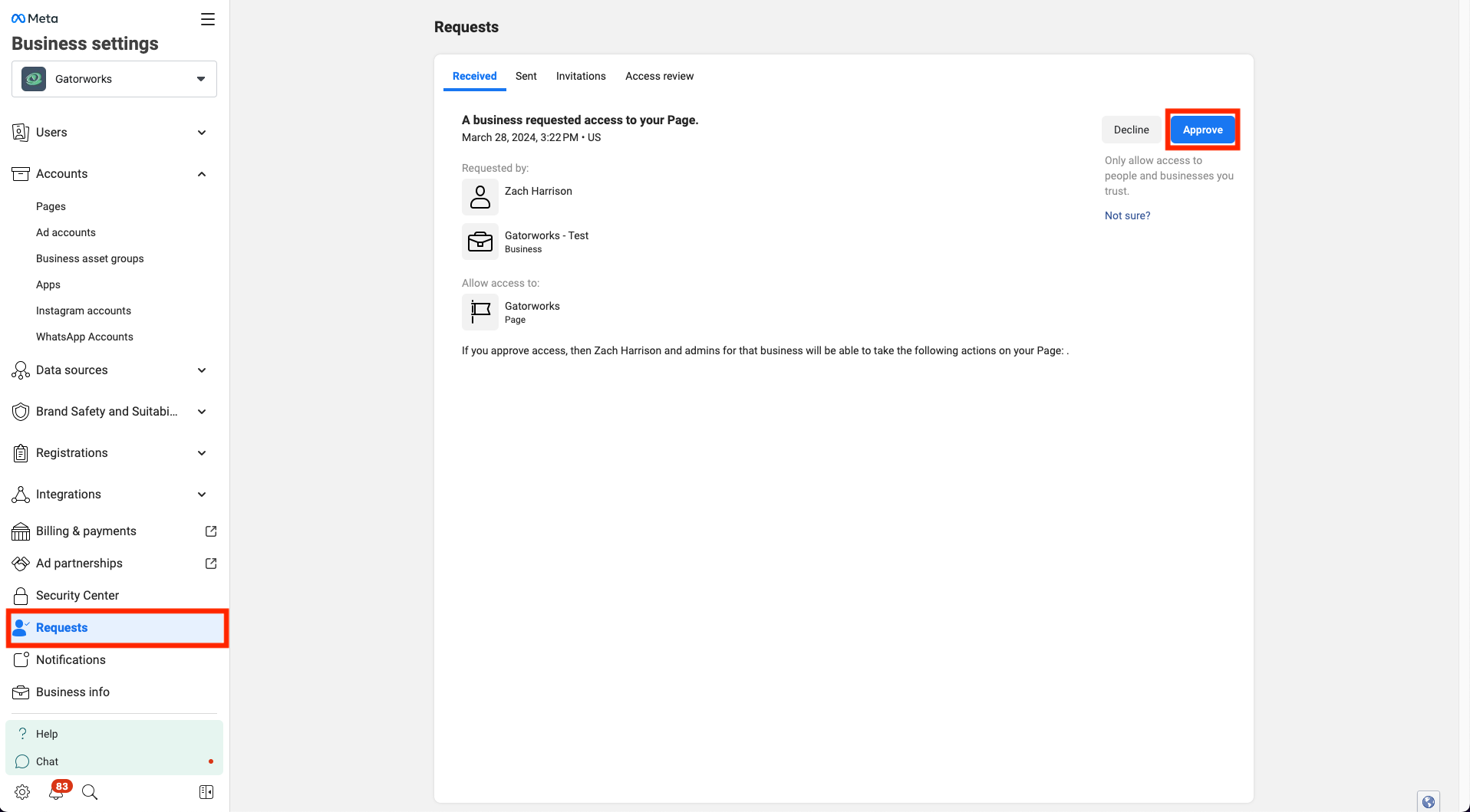
STEP 9: Once in the “Business Settings,” click on “Requests” in the menu. Accept the pending request from Digital Solutions to manage your business page from there.
STEP 10: If the request isn’t there, an alternative way to do it is to go to Accounts >> Pages and find your business page from the listing. If the page is not in that list, then it is not owned by your Business Manager account but someone else’s. Talk to other admins or former agencies to see if it is owned by theirs. Once you find your page in the list Business Settings pages, click on Assign Partners.
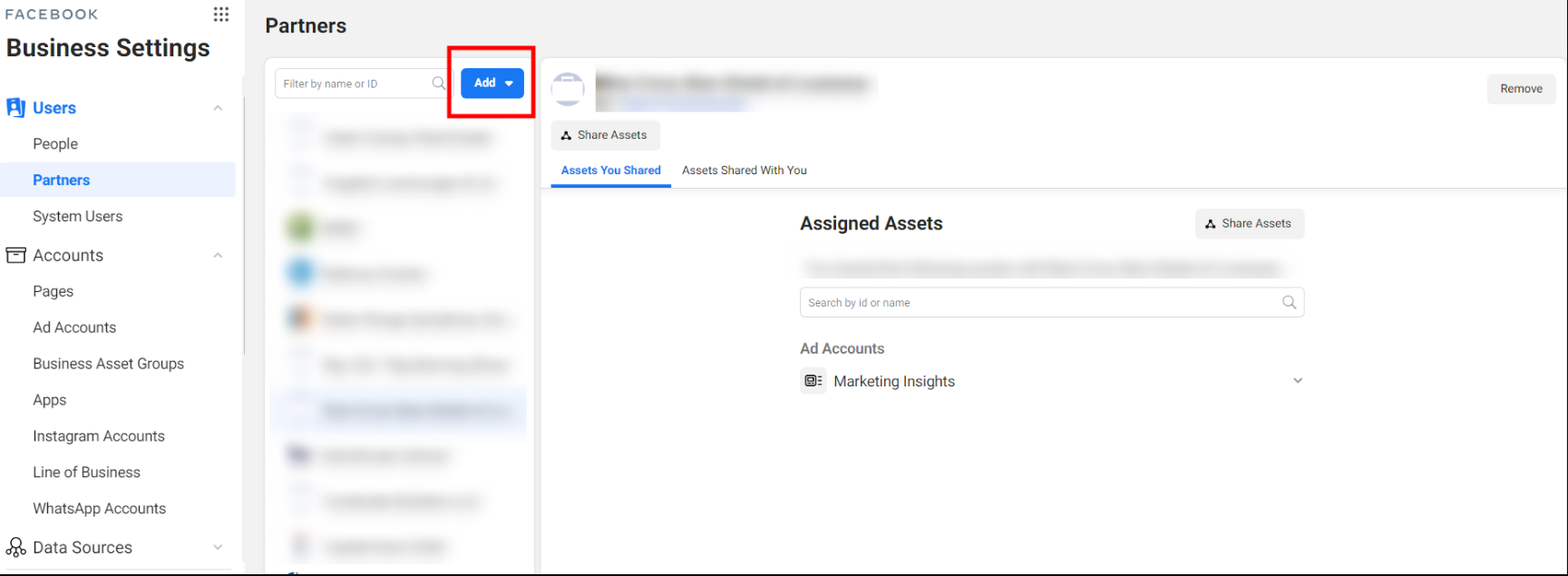
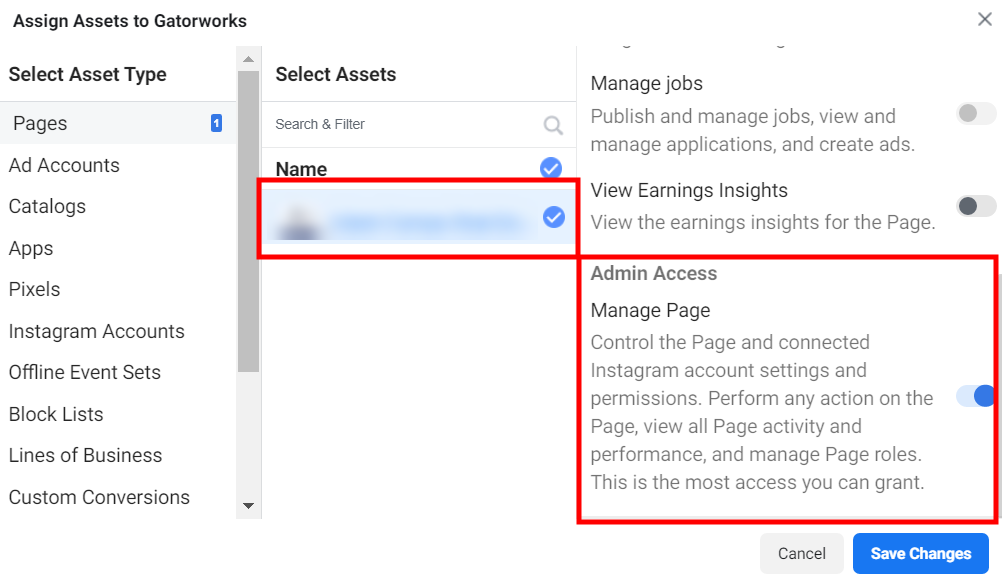
STEP 11: Enter ID number 713369528871385 into the box. That’s our Partner ID and it will grant us immediate access to your Business Page! Be sure to hit the toggle for “Manage Page” as that will allow us to do things like Create Ads, Page disclaimers, lead forms, etc.on behalf of your business.